UK:
UK: 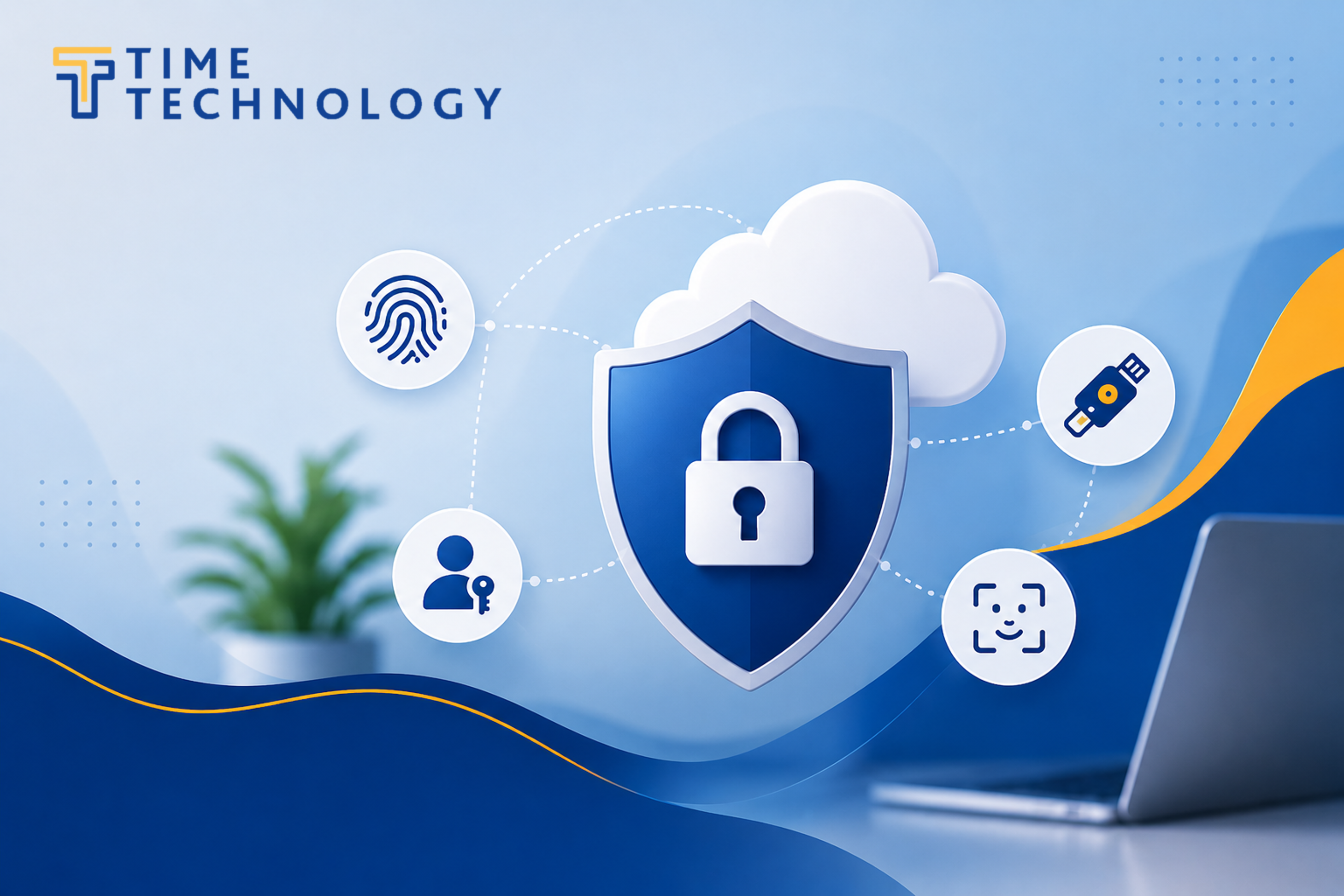
For many organisations, especially nonprofits and charities using Salesforce to manage sensitive supporter, donor, service-user, programme, case, or financial data, this is an important security update. It is not simply another technical setting. It is part of a wider move to reduce the risk of account compromise, phishing attacks, and unauthorised access to critical business systems.
What is changing?
Salesforce is requiring stronger authentication for users who have elevated access within a Salesforce org.
This means that some users will need to use a phishing-resistant method when logging in, rather than relying only on standard MFA methods such as authenticator apps, one-time codes, SMS codes, or email verification codes.
In practical terms, this is most likely to affect the following users:
- Salesforce System Administrators
- Users with Modify All Data
- Users with View All Data
- Users with Customise Application
- Users with Author Apex
- Users who receive these permissions through profiles or permission sets
These users can have a significant impact on the Salesforce environment. In some cases, they can view broad data sets, change configuration, alter automation, manage users, or deploy code. Because of this, Salesforce is requiring stronger protection around how those users prove their identity.
Why is Salesforce making this change?
Phishing remains one of the most common ways attackers gain access to business systems.
Traditional MFA has been a major improvement over passwords alone, but not all MFA methods provide the same level of protection. Some methods can still be manipulated through social engineering, fake login pages, intercepted codes, or approval fatigue attacks.
Phishing-resistant MFA is designed to reduce this risk. It helps ensure that a login attempt is tied more securely to the genuine website, the genuine user, and a trusted device or credential.
For organisations using Salesforce, this matters because privileged accounts can be high-value targets. If an attacker gains access to an administrator account or another highly privileged user, they may be able to:
- Access sensitive data
- Change security settings
- Create or modify users
- Export information
- Alter automation or integrations
- Disrupt business processes
- Weaken the organisation’s overall Salesforce security
The purpose of the change is to make those types of attacks harder to carry out successfully.

What does “phishing-resistant MFA” mean?
Phishing-resistant MFA is a stronger form of login verification that is more resistant to fake login pages and credential theft.
Rather than asking a user to type in a code from an app or SMS message, phishing-resistant methods usually rely on technology such as passkeys, built-in device authenticators, or physical security keys.
Phishing-resistant MFA examples include:
- Windows Hello
- Touch ID
- Face ID
- Physical security keys
- Supported passkey or WebAuthn methods
These methods are designed so that the authentication process is bound to the correct website and device. This makes it much harder for an attacker to trick a user into handing over a reusable code.
Does this affect every Salesforce user?
The phishing-resistant MFA requirement is focused on privileged users, including Salesforce Administrators and users with powerful permissions.
That does not mean standard users are unaffected by MFA requirements in general. MFA remains important across Salesforce environments. However, the stronger phishing-resistant requirement is particularly aimed at users whose access could present a higher organisational risk if compromised.
For most organisations, the first priority should be to review who has administrative or highly privileged access and confirm whether those users are in scope.
Can users continue using Salesforce Authenticator?

Salesforce Authenticator and other standard authenticator apps remain useful MFA tools in many situations. However, for privileged users subject to the phishing-resistant MFA requirement, standard authenticator apps are not enough on their own.
This is the key distinction:
Standard MFA improves security, but phishing-resistant MFA provides stronger protection for accounts that pose the highest risk.
What about organisations using Single Sign-On?
Organisations using Single Sign-On (SSO) should still review this change carefully.
Using SSO does not automatically satisfy the requirement. Salesforce may need to receive the correct signal from the identity provider confirming that a phishing-resistant MFA method was used. If the SSO provider does not send the required signal, Salesforce may still prompt affected users to register or use a Salesforce-supported phishing-resistant method.
This is why organisations using SSO should involve their IT provider or identity a provider administrator early. The important point is not just whether MFA exists, but whether the MFA method and the authentication signal meet Salesforce’s requirements for privileged users.
Why is this particularly important for nonprofits?
Nonprofit organisations often hold data that is sensitive, valuable, or subject to strict governance expectations. This can include donor records, beneficiary information, service delivery data, grant information, safeguarding notes, case records, financial records, and campaign data.
Salesforce is often central to how these organisations operate. A compromised administrator account can therefore create significant operational, reputational, and compliance risk.
The move to phishing-resistant MFA helps organisations strengthen protection around their most powerful accounts. It also supports better access governance by encouraging organisations to review who actually needs privileged permissions.
What should organisations do now?
Organisations should not wait until enforcement begins before reviewing their Salesforce access.
Act now, before enforcement starts in Sandboxes on 22 June 2026, and in Production on 1 July 2026.
At a high level, the recommended approach is to:
- Identify Salesforce Administrators and users with powerful permissions.
- Confirm whether each user still needs that level of access.
- Review whether Single Sign-On is being used and whether it meets Salesforce’s requirements.
- Make sure affected users understand that a stronger login method may be required.
- Plan ahead for device changes, backup access, and administrator continuity.
The aim is to avoid a situation where an administrator or key user is unexpectedly prompted during login and cannot access Salesforce when they need it.
Planning for continuity
Organisations should also think about resilience. If only one person has administrator access, or if an administrator’s phishing-resistant method is tied to a single unavailable device, access issues can become business-critical very quickly.
Where licensing and governance allow, it is sensible to maintain more than one active administrator account and to ensure affected users have an appropriate backup method.
The backup process should be secure, documented, and controlled. Organisations should not store biometric details, device PINs, recovery codes, or passwords in unsecured documents.
The key message
Salesforce is raising the security standard for privileged users.
This change is not about making login more complicated for the sake of it. It is about protecting the accounts that can do the most within a Salesforce environment. Administrator and highly privileged accounts need stronger protection because they carry greater risk.
For most organisations, the practical takeaway is simple:
Standard MFA remains important, but Salesforce Administrators and other highly privileged users now need phishing-resistant MFA.
By reviewing affected users early, confirming the right authentication approach, and planning for continuity, organisations can meet the requirement while reducing the risk of disruption.
Should you have any questions or need assistance, please contact us for support.
Reference sources
- Salesforce Help: Prepare for Phishing-Resistant MFA Enforcement for Privileged Users, including Admins.
- Salesforce Help: Salesforce Multi-Factor Authentication.
- Salesforce Help: Enable Built-In Authenticators for Identity Verification.
- Salesforce Help: Enable Security Keys for Identity Verification.
- Salesforce Help: Register a Built-In Authenticator as an Identity Verification Method.
- 1Password Support: Save and sign in with passkeys in your browser.
*Blog Photo Credit: Main image generated by ChatGPT and MFA flowchart generated by Claude for the purpose of this blog post.